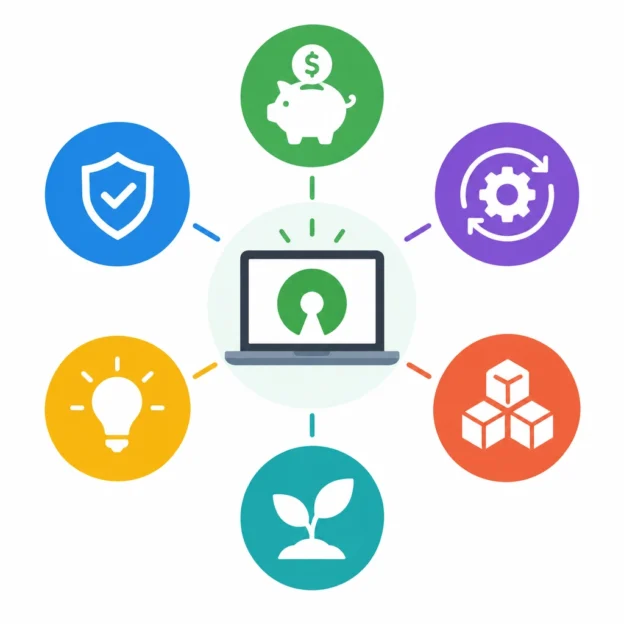
Key Benefits of Choosing Free Software for Your Tech Stack
Picking software for a business or personal project can feel like a balancing act. You need tools that work well, fit your budget, and won’t create headaches as your needs change. Free software—often called open-source or free and open-source software (FOSS)—can be a smart choice. It gives users access to powerful tools without an upfront license fee, while offering benefits that go well beyond saving money.
Lower costs without sacrificing capability
The most obvious benefit is the price: many free software tools can be downloaded and used without paying a licensing fee. That can make a real difference for startups, nonprofits, independent creators, and small businesses working with limited budgets.
But free doesn’t necessarily mean basic. Tools such as Linux, LibreOffice, WordPress, and PostgreSQL are used for serious work by individuals and organizations of all sizes. Choosing them can free up budget for other priorities, such as hardware, training, support, or product development.
It’s worth remembering that software may still come with costs. You might pay for hosting, setup, customization, or professional support. Even so, avoiding recurring license fees can make the overall cost of a tech stack more manageable.
More control over your tools
Free software often gives users more control over how a product is configured and used. With many open-source tools, the source code is available for inspection and modification. That means developers can adapt a tool to meet specific needs rather than relying entirely on a vendor’s roadmap.
This flexibility can be valuable when a business has a specialized workflow, needs to connect systems in a particular way, or wants to avoid being locked into one provider. If your requirements change, you may be able to adjust the software—or hire someone to do it—instead of switching to a new product altogether.
Of course, customization takes skill and time. The freedom to change a tool is useful only if you have the resources to make those changes responsibly.
Transparency and trust
When software is open to inspection, technical teams can review how it works, check how data is handled, and identify potential issues. That doesn’t automatically make every open-source tool secure or trustworthy, but it can provide more visibility than software whose inner workings are entirely hidden.
Transparency can also help organizations meet compliance or internal review requirements. Teams can assess a project’s code, documentation, release history, and community practices before adopting it. In practice, the quality and maintenance of a project matter just as much as the fact that its code is available.
Strong communities and shared improvement
Many free software projects are supported by communities of developers and users. These communities may create documentation, answer questions, report bugs, and contribute improvements. A healthy community can make it easier to find advice and learn how to use a tool well.
Shared development also means that useful improvements aren’t limited to one company’s priorities. When people contribute fixes and features, the whole user base may benefit. Some projects are maintained by businesses, foundations, or paid teams, while others rely more heavily on volunteers, so it’s important to understand how a project is supported.
Before choosing a tool, look at how often it receives updates, whether known issues are addressed, and how welcoming and informative its community is.
Easier to adapt and move
A tech stack built around open standards and widely used free software can make it easier to move data between systems. It may also offer more choices for hosting, integrations, and service providers.
That flexibility helps reduce vendor lock-in—the situation where leaving a platform becomes difficult because your data, workflows, or essential features depend on one provider. No tool can eliminate switching costs entirely, but using software with accessible data formats and clear export options can give you more room to change direction.
A practical way to choose
Free software isn’t automatically the right choice for every job. Some commercial products provide dedicated support, polished onboarding, or features that would be expensive to recreate. The key is to compare the whole picture: licensing, maintenance, security, usability, support, and the cost of managing the tool over time.
A thoughtful tech stack doesn’t have to be built entirely from free tools. It can combine open-source software with paid services where they offer clear value. By choosing tools that are flexible, well-maintained, and suited to your team, you can keep costs under control without limiting what you’re able to build.