Harnessing Community Support for Open Source Software Success
Open source software is often described as code anyone can use, inspect, and improve. But successful projects rely on more than code. They grow through the people who report bugs, answer questions, write documentation, translate interfaces, and encourage others to get involved.
A strong community can help a project become more useful, resilient, and welcoming. Building that community, however, takes intention. It doesn’t happen automatically when a repository goes public.
Make it easy to get started
A newcomer’s first experience can shape whether they return. If it’s hard to understand what a project does, how to install it, or where to ask a question, even enthusiastic users may give up.
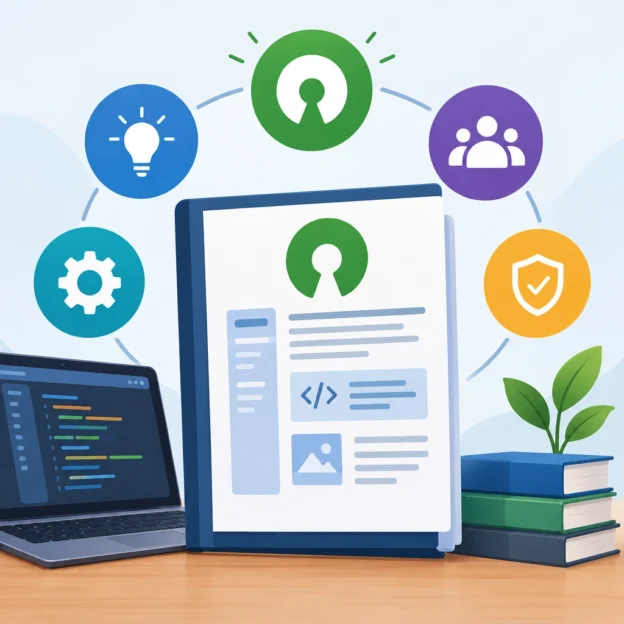
Start with the basics: a clear README, straightforward setup instructions, and examples that show the software in action. Explain what kinds of contributions are welcome, too. A “good first issue” label can help newcomers find manageable tasks, while a contribution guide can explain how to submit changes and what to expect during review.
Clear guidance benefits everyone—not just first-time contributors. It saves maintainers time and helps users solve problems without waiting for a response.
Treat communication as part of the product
Community members need reliable places to talk. That might mean a discussion forum, chat space, issue tracker, or mailing list. The specific tools matter less than setting expectations: Where should people ask questions? Which channel is best for bug reports? How quickly can they expect a response?
A respectful, useful tone matters just as much. New contributors may ask questions that seem obvious to longtime maintainers. Patient answers signal that learning is welcome. So do public acknowledgments of contributions, whether someone submitted a major feature or improved a single sentence in the documentation.
That doesn’t mean maintainers have to be available around the clock. Healthy communities make boundaries visible. A short note about response times or support hours can prevent frustration on both sides.
Recognize contributions beyond code
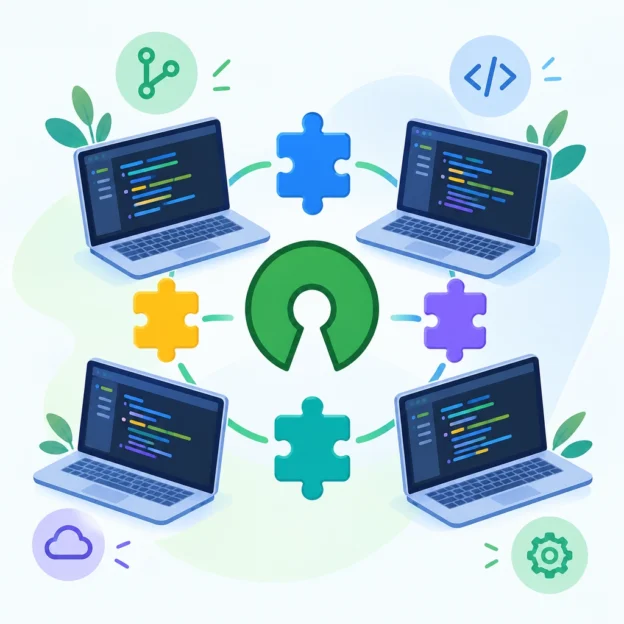
It’s easy to celebrate a large feature while overlooking the less visible work that keeps a project healthy. Bug reproduction, documentation, accessibility testing, translations, design feedback, and community moderation all make a difference.
Recognition helps people see that this work counts. A simple thank-you in a pull request, release notes that credit contributors, or a regular community update can show that contributions are noticed. Recognition shouldn’t feel like a leaderboard, though. The aim is to make people feel valued, not pressured to compete.
When projects recognize a broader range of work, they also create more ways to participate. Someone who isn’t ready to write code may still have valuable expertise to offer.
Build trust through consistent decisions
Disagreements are part of collaborative work. A project might need to choose between competing features, update its direction, or decline a proposed change. These moments can either strengthen trust or undermine it.
Clear processes help. Explain how decisions are made, document major changes, and give contributors a chance to share feedback. Not every suggestion can be adopted, but people are more likely to accept a decision when they understand how it was reached.
Maintainers can also support trust by applying project standards consistently. Clear expectations around code quality, conduct, and review make collaboration feel more predictable and fair.
Share responsibility before burnout sets in
In many open source projects, a small number of maintainers carry a large workload. As a community grows, that imbalance can lead to slow responses and burnout.
Delegating can ease the pressure. Experienced contributors might help review pull requests, update documentation, welcome newcomers, or manage releases. Written procedures make these tasks easier to share and reduce reliance on one person’s memory.
Succession planning matters, too. If only one maintainer knows how to publish a release or handle a security report, the project becomes fragile. Sharing knowledge helps the software—and the community—continue even when people’s availability changes.
A thriving open source project isn’t simply one with many users or frequent updates. It’s one where people can contribute in meaningful ways, receive thoughtful support, and trust that their time matters. Code may bring people to a project, but a welcoming, well-supported community is often what keeps them there.