The Role of Open Source Software in Education and Learning
Education is built on sharing: teachers pass along knowledge, students learn from one another, and communities develop ideas together. Open source software follows a similar principle. Its code is available for people to use, study, adapt, and improve, making it more than a budget-friendly alternative to commercial tools. It can also become a practical way to teach collaboration, creativity, and digital literacy.
Making learning tools more accessible
For schools and learners with limited budgets, software costs can be a real barrier. Open source tools are often free to use, which can help schools equip classrooms without paying for large license packages. Students can also install many of the same tools at home, making it easier to continue learning beyond the classroom.
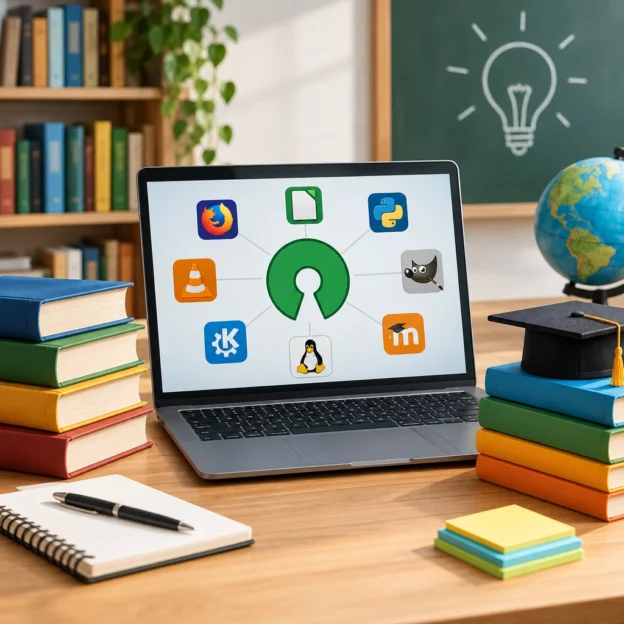
The options are broad. Students might use LibreOffice for documents and presentations, GIMP for image editing, or programming tools such as Python and Scratch to explore coding. Learning platforms like Moodle can support online courses and class resources. These tools don’t cover every need, and some may require setup or technical support, but they can give schools more flexibility in how they build their technology toolkit.
Accessibility is not only about price. Open formats can make it easier to share and preserve work without relying on one company’s software. And when a school can adapt a tool to suit its own needs, teachers may be better able to support different languages, curricula, and learning styles.
Learning how technology works
Most people use software without seeing what happens behind the screen. Open source makes it possible to look beneath the surface. For students, that can turn technology from a mysterious product into something they can investigate.
In a programming class, learners can read existing code, test changes, and see how those changes affect the result. They might fix a small bug, add a feature, or create a version of a tool for a particular classroom project. Even students who don’t become software developers can benefit from learning how digital systems are designed and maintained.
This kind of hands-on experience encourages useful habits: asking questions, testing ideas, documenting changes, and learning from mistakes. It also helps students understand that software is created by people—and that digital tools can be shaped, rather than simply accepted as they are.
Practicing collaboration beyond the classroom
Open source projects are often built by people working together across schools, workplaces, and countries. Students can participate in that kind of collaboration in manageable ways, such as translating instructions, writing documentation, reporting a problem, or contributing a small code change.
These tasks show that valuable contributions aren’t limited to advanced programmers. Clear writing, design, testing, accessibility feedback, and community support all help a project succeed. Students can see how a shared goal brings different skills together—and how constructive feedback can improve an idea.
A classroom project can also borrow this approach without involving a public software community. Students might work in groups on a shared resource, review one another’s work, and keep a record of how the project develops. The process makes learning more active and gives students practice in communicating and revising their ideas.
Giving teachers room to adapt
Teachers work with different students, schedules, and resources. Open source software can offer more freedom to adjust technology to those circumstances. A school may customize a learning platform, add a language option, or choose tools that work well on older computers.
That flexibility comes with responsibilities. Open source does not automatically mean easy to install, easy to maintain, or perfectly suited to every classroom. Schools still need to consider updates, privacy, security, technical support, and staff training. A free tool can require time and expertise, so it’s worth looking at the full cost of using it—not just the price tag.
Teachers also need to choose tools with learning goals in mind. The most useful software is not necessarily the one with the most features; it’s the one that helps students practice, create, and understand.
Open source software can help make digital learning more affordable, adaptable, and participatory. Its greatest contribution may be the mindset it encourages: tools are made by people, improved through shared effort, and open to new ideas. When students get the chance to explore and contribute, they don’t just learn how to use technology—they begin to see themselves as capable of shaping it.